

Children's song MV, the new darling of the parenting world: new opportunities for parenting sideline
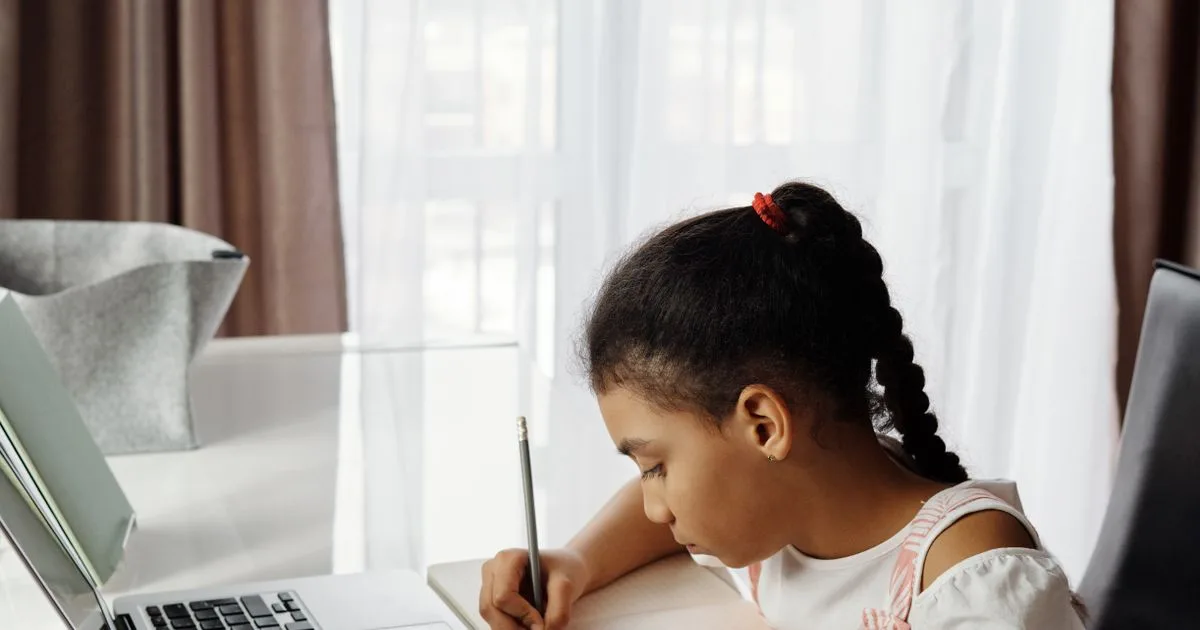
Children's song MV, the new darling of the parenting world: new opportunities for parenting sideline
Overview
AI music and video tools now let individuals and small teams produce animated children's music videos without a recording studio or animation pipeline. This guide covers the full production workflow — writing original songs, generating vocals, creating animated visuals, and editing — plus how to publish and monetize family content within platform rules. The emphasis throughout is on original material, because kids' content faces some of the strictest scrutiny of any category.
Who It's For
Parents, teachers, and family-focused creators who want to build a children's music channel or a library of songs. No formal music or animation background is required, but you need basic comfort with web tools and a willingness to iterate on quality. It also suits existing parenting or education channels adding musical formats to their mix.
Creators running this workflow now typically start from Suno (https://suno.com) or ElevenLabs (https://elevenlabs.io).
Workflow
Plan and write original songs. Choose recurring themes — bedtime, counting, animals, daily routines — and draft lyrics with ChatGPT or Claude. Keep everything original: public-domain classics are usable, but existing recordings and modern kids' songs are not, and platforms actively review children's channels for reused content.
Produce the music. Generate full songs with vocals in Suno, iterating until melody, tempo, and vocal style suit young listeners. Save every version so you can reuse the strongest tracks across videos and, later, music streaming platforms.
Design characters and scenes. Build a consistent visual style in Midjourney — a recurring cast of characters matters more than technical polish. Animate key scenes in Kling or Runway using image-to-video on your best stills, and reuse establishing shots across episodes to build familiarity.
Edit and package. Assemble in CapCut: cut visuals to the beat, add on-screen lyrics, and keep episodes short and calm. Use Canva for thumbnails and cover art that parents can recognize at a glance.
Publish and diversify. Upload with the correct made-for-kids designation and any required AI-content disclosure. Because ad formats on children's content are restricted, plan additional revenue streams: distributing songs to music platforms, licensing to nurseries and apps, or printable activity products sold alongside the channel.
Tools Used
Lyrics and planning: ChatGPT or Claude. Music: Suno. Art and character design: Midjourney. Animation: Kling or Runway. Editing and subtitles: CapCut. Thumbnails and printables: Canva. Content calendar and rights notes: Notion.
Pitfalls to Avoid
Two compliance traps define this niche. First, monetization on made-for-kids content is limited — personalized ads are disabled and several features are unavailable — so a pure view-count strategy will not carry the channel. Second, platforms penalize mass-produced, repetitive children's content regardless of how it was made; AI is a production tool, not a strategy. Also avoid fast cuts, loud effects, packaging that imitates an existing franchise, and always apply AI-generated content labels where the platform asks.
Summary
AI tools remove the production barrier for children's music video, not the creative and compliance work. Creators who invest in original songs, a recognizable cast, and honest labeling can build a durable family brand; those chasing volume with template output usually stall.